 by
by 1. If you are using a personal computer or laptop
1.1 Log into your account and click on your name in the top right of your account home page.
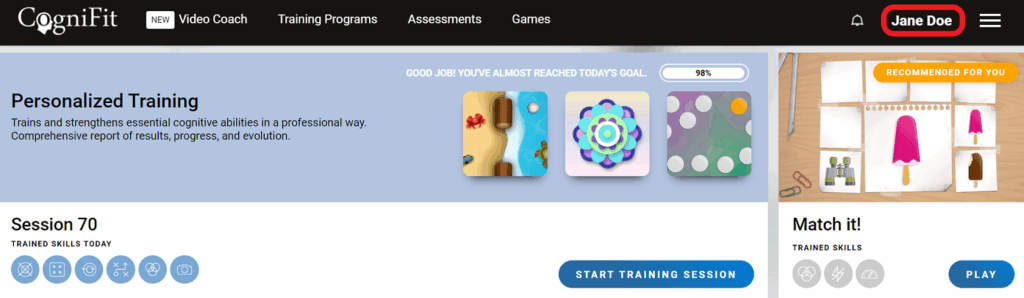
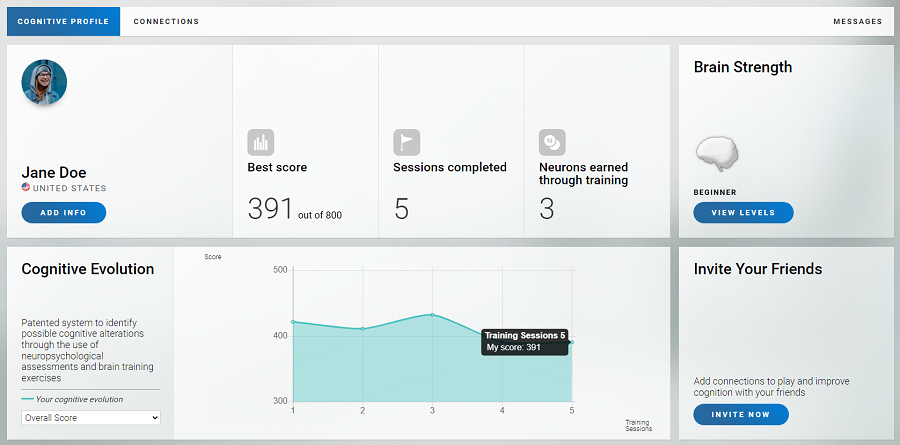
1.2 After you click on your name, your cognitive profile page will open. On your profile page you will be able to see your ranking, cognitive evolution, brain strength, the comparison tool, and other useful information.
2. If you are using a mobile device
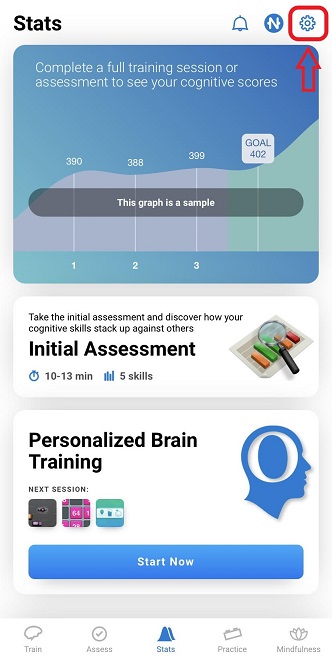
2.1 Log in to your account in the mobile application and click on the Account menu option.
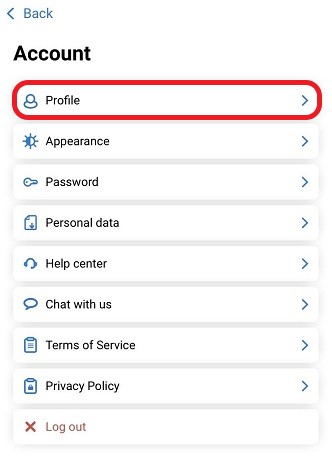
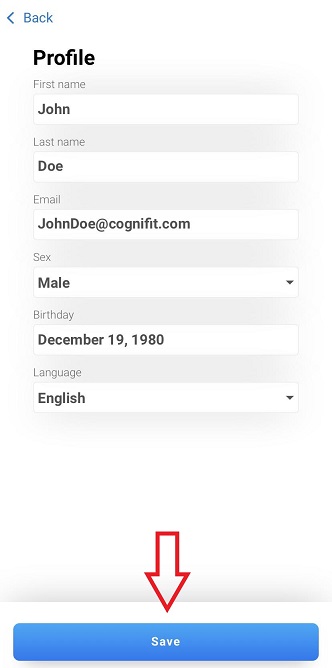
2.2 On the page that opens, click the Profile option.
2.3 On your profile page in the mobile application you can change your personal information, your email address, and the language of the mobile application. For broader access to cognitive profile information, use the web version of CogniFit on a personal computer. To update the data, click the Save button.
If you have any questions, you can contact our support team by sending an email to support@cognifit.com