 by
by Note: PDF reports are available for assessments only. If you want to check the results of your relatives, follow the instructions of this article.
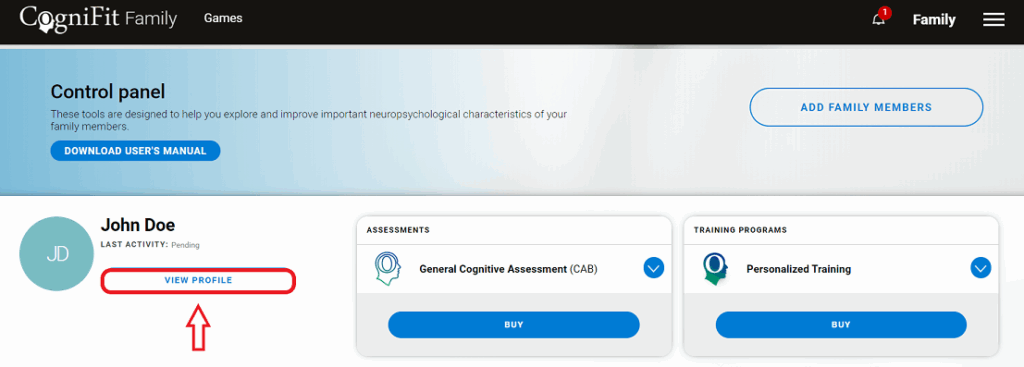
1. Access your family account. On the dashboard page choose the family member whose assessment report you want to download and click on View Profile.
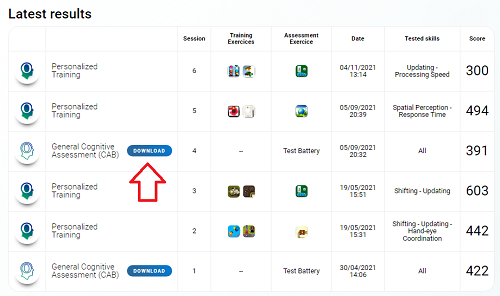
2. If your family member has completed an evaluation, the option to download the report will appear in the results section. Click Download to download the report in PDF format.
Note: If your family member who is over 16 years of age uses an individual account that has been linked to the account of the person responsible for the family account, they can also download their evaluation report from their own account by following the instructions in this article.
If you have any questions, you can contact our support team by sending an email to support@cognifit.com