by
by You can add or change your profile picture as often as you want. To remove your profile picture please follow the below steps. This feature is currently not available when using one of our mobile apps.
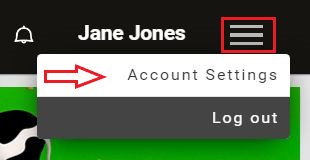
1. To get started, log into your account and click on the Menu icon in the top right corner and select from the drop-down menu Account Settings
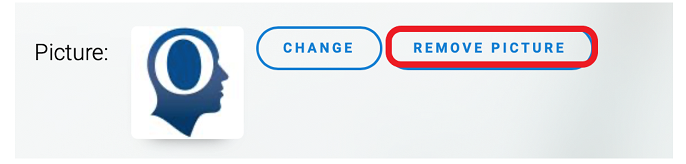
2. Scroll down to the Picture area, and click Remove Picture