 by
by Once the person responsible for the family account has added a family member, they should purchase the required licenses/subscription. Follow the steps in sections 1.5-1.6 of this article to choose the desired type of intervention for a family member.
You can check the prices for the CogniFit Families platform here. If you have a promotional code, follow the instructions in this article to use it.
1. Buy interventions on the family platform.
1.1 On the dashboard, click the buy button for the selected program.

1.2. Purchasing an evaluation license.
1.2.1 After clicking the “Buy” button, the payment window will open. Choose one of the available payment methods (debit/credit card, PayPal, AmazonPay, or Wire Transfer) and fill in all the necessary information. Accept the terms of service and privacy policy of the payment platform.
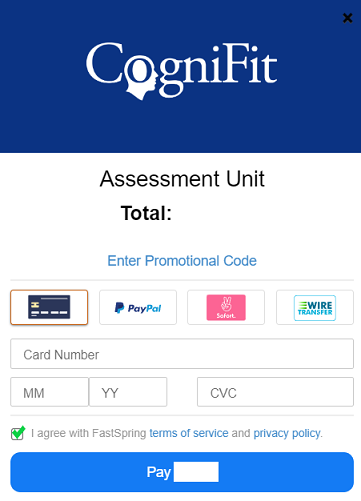
1.2.2 Press the blue payment button and follow the instructions on the payment platform to complete the purchase.
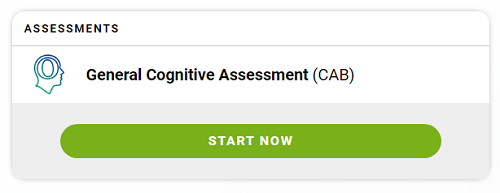
1.2.3 The acquired evaluation will appear in the family member’s profile immediately. Press the “Start now” button to start the evaluation.
1.3. Purchasing a training subscription.
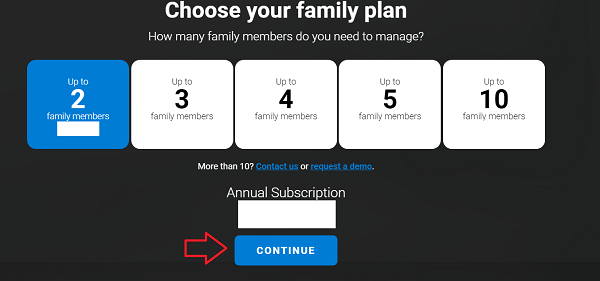
1.3.1 After clicking the “Buy” button, the page with the subscription plans available on the platform for families will open. Choose a plan that interests you by clicking on it. Click “Continue” to complete the purchase.
1.3.2 After clicking “Continue“, the payment window will open. Choose one of the available payment methods (debit/credit card, PayPal, or AmazonPay) and fill in all the necessary information. Accept the terms of service and privacy policy of the payment platform.
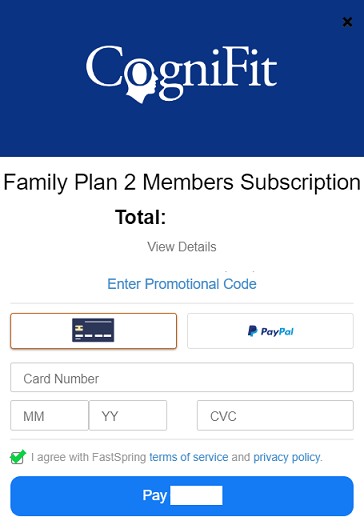
1.3.3 Press the blue payment button and follow the instructions on the payment platform to complete the purchase.
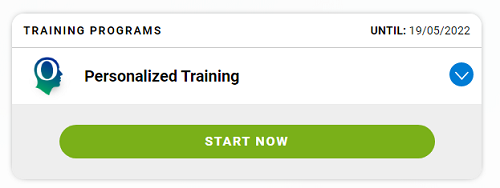
1.3.4 The information about the purchased and assigned subscription will appear in the family member’s profile immediately. Press “Start now” to begin the training.
Remember that you can always unsubscribe from your family member. To assign programs to family members who have already been added to the platform before, follow the steps in this article.
2. Purchasing programs from the account of a family member
If your family member over 16 years old uses their own account (see section 2 of this article), linked to the account of the person responsible for the family account, they may also purchase evaluations and training plans needed from your own account.
Family members under the age of 16 cannot purchase additional programs on their account and only have access to interventions assigned by the family account holder.
If you have any questions, you can contact our support team by sending an email to support@cognifit.com