 by
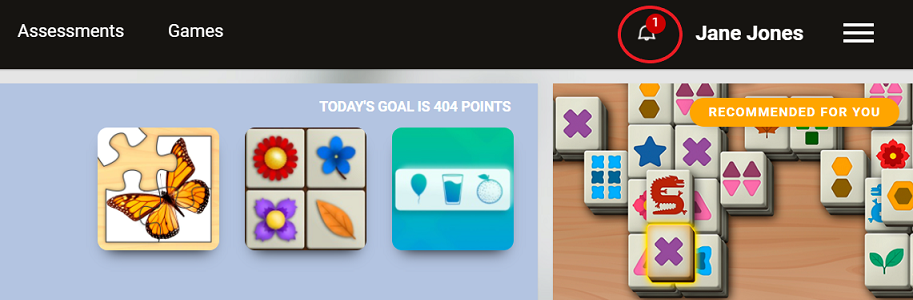
by In the top bar of your screen is the notifications bell. The Bell icon shows you when there is a notification, like a message from your connection, that you have a connection request, so on. You can clear these notifications in your notification page via the website or in your mobile app.
We also regularly send out offers, training reminder and other notifications. The settings for these notification emails can be changed in the Account Setting under Notifications when logged in via the website. This feature is currently not available in the mobile app.
If you need any help amending or clearing your notifications, please contact us at support@cognifit.com