by
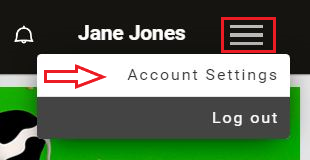
by 1. To get started, log into your account and click on the Menu icon in the top right corner and select from the drop-down menu Account Settings
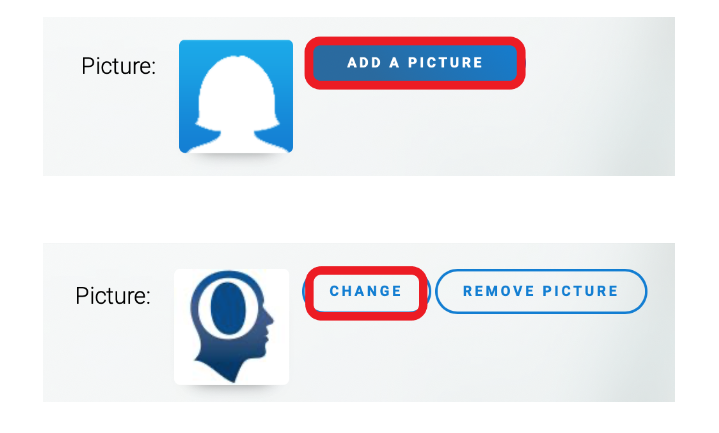
2. Scroll down to the picture area and click on Add a picture or Change to select your (new) profile picture
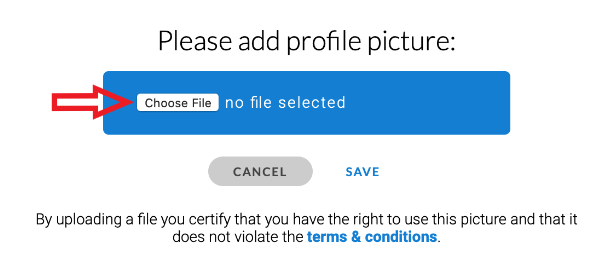
3. A new window will appear. Click on Choose File to select a picture from your device
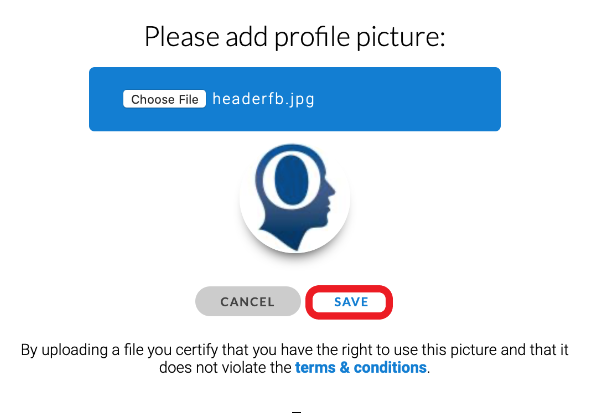
4. Click on Save to finish and save your profile picture